Reels Hook Prompts: Winning the First Second of AI Video
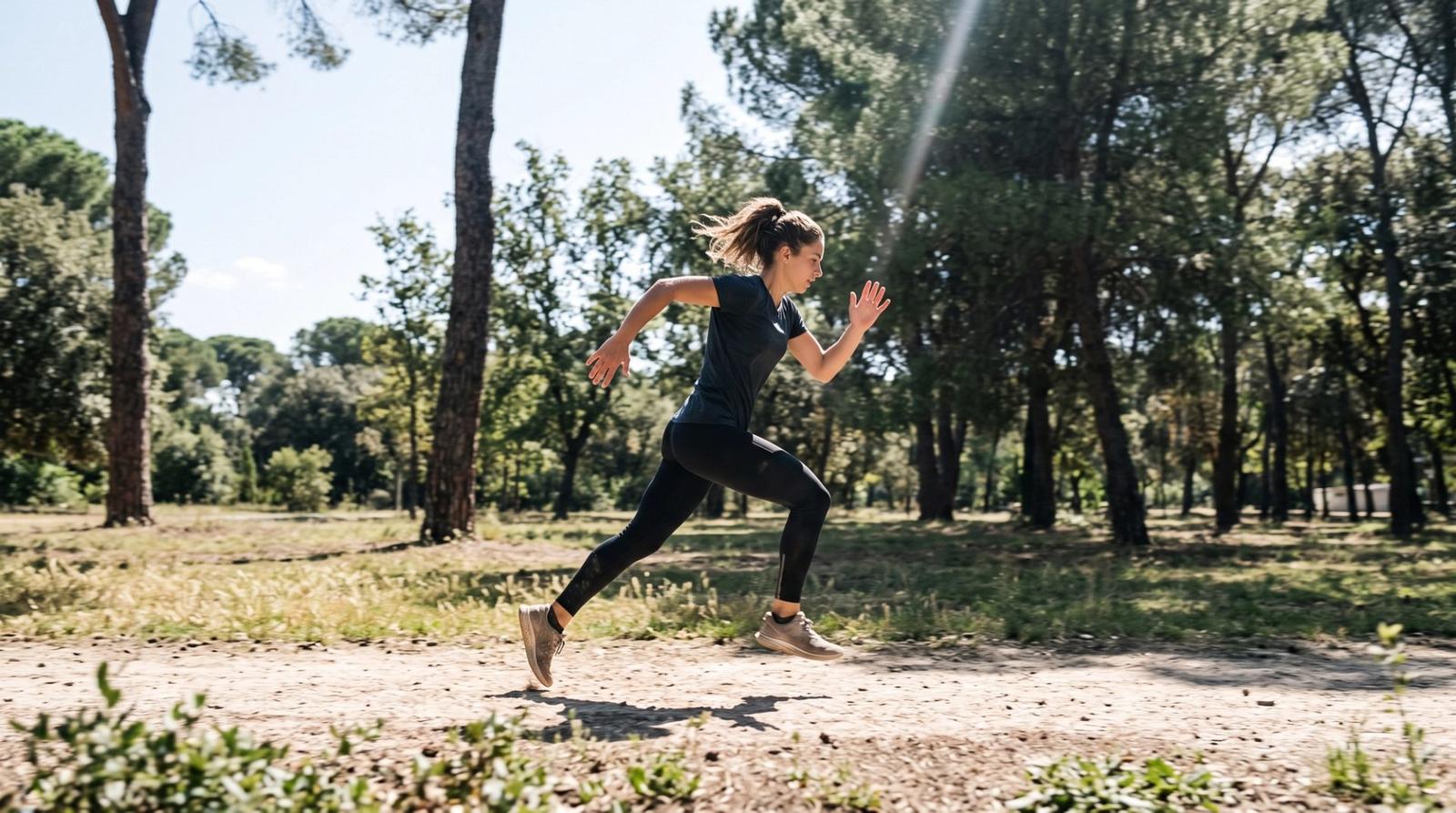
A vertical video has about one second to earn the next five. Most AI clips spend that second easing into a slow establishing move — beautiful, and already scrolled past. Treat the first frame as the entire pitch and the prompt changes completely.
Five Hook Patterns That Work
- Motion in frame one: the clip opens mid-movement, never from stillness.
- Close then reveal: start on a macro detail and pull back to the whole subject.
- Transformation: the before state is visible immediately and begins changing.
- Unexpected scale: something is much larger or smaller than expected.
- Direct address: the subject is already looking into the lens as the clip starts.
Prompt the Opening Frame Explicitly
Say what the first frame contains and that motion is already underway. Without that instruction models tend to begin from a static composition and build momentum, which wastes the only second that matters.
Vertical 9:16 clip, 6 seconds: open mid-motion with [subject] already moving across frame, no static opening frame, fast handheld energy settling into a smooth tracking shot, subject centered in the middle third with clear space at top and bottom for captions, bright even daylight, high contrast grade, crisp detail, no text overlaysVertical 9:16 clip, 7 seconds: begin as an extreme macro on [texture or detail of the product], then pull back smoothly and continuously to reveal the full [product] in its setting, single continuous move with no cuts, shallow depth of field resolving into focus, soft directional light, subject held in the central safe area, cinematic gradeCompose for the Interface
Vertical platforms cover the top and bottom of the frame with usernames, captions and buttons. Compose inside the middle third and say so in the prompt. A perfectly framed subject whose face sits under a caption bar is a wasted generation.
Build a Sequence, Not One Long Clip
Short clips cut together beat one long generation. Generate a hook, two supporting shots and a closing frame as separate 5-to-7-second clips with the same grade instruction, then assemble. You control pacing in the edit, and each individual generation stays stable.
- Design for sound off; the image must carry the idea alone.
- Repeat one grade sentence across every clip so the sequence feels unified.
- End on a held frame that gives the caption or call to action room.
- Loop-friendly endings — finishing near the opening composition — earn replays.
Open mid-motion, compose for the middle third, and cut a sequence from short stable clips. The first second is the whole job; prompt it deliberately.